
Implemented · Customizable
Supermarket & Grocery Management — POS, Inventory, Purchasing, Cash and Reporting
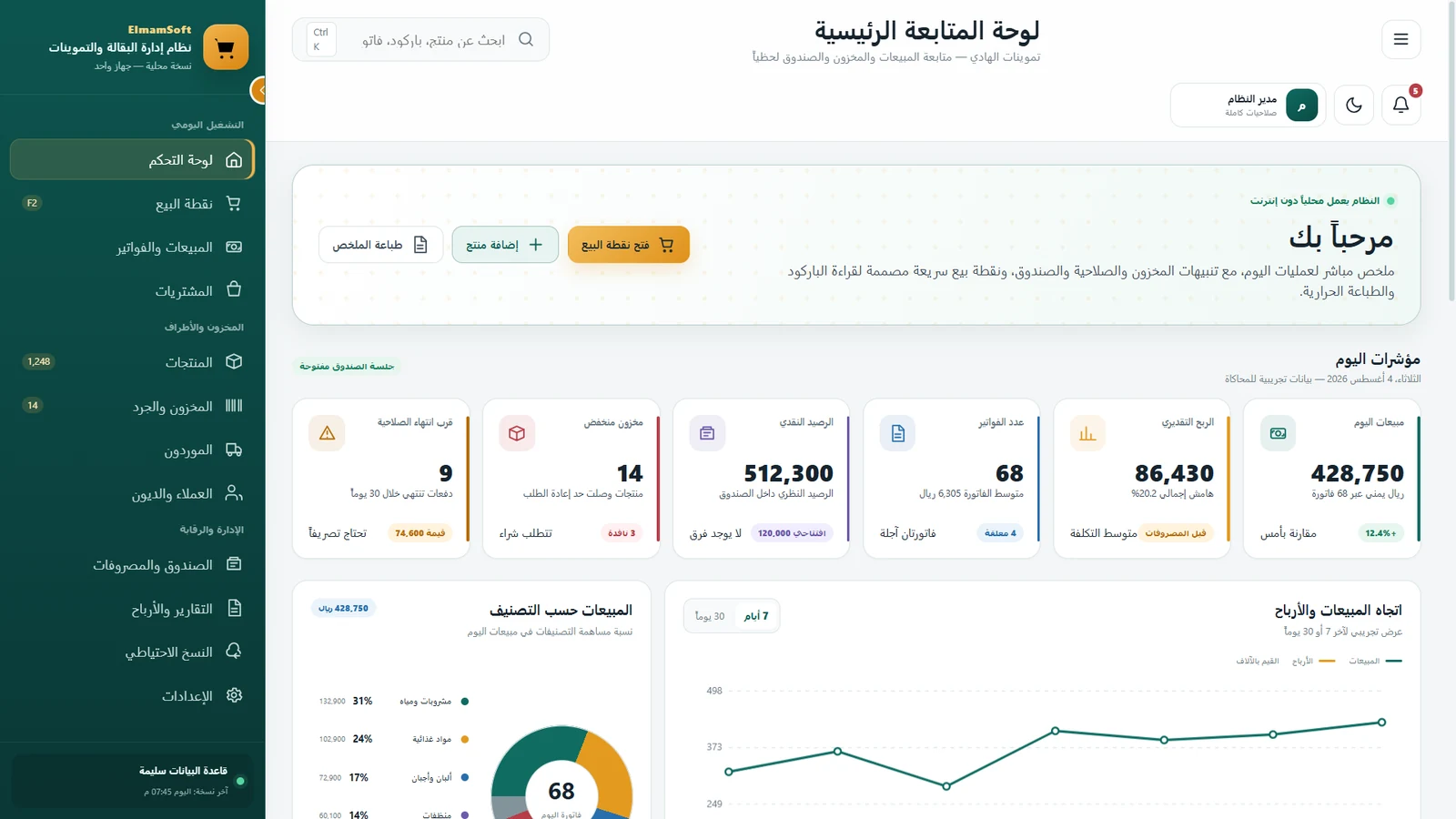
A retail operating system for POS, invoices, products, stock counts, purchasing, suppliers, customers, receivables, cash, expenses, reporting and backup.
RetailActual operating screensWorkflow adaptation
Availability: No public download is currently published for this system.
Operating problem
Why does this sector need a connected workflow?
Purchasing, suppliers, stock counts and customer debt directly affect profitability.
Expenses and cash movement need daily traceability without duplicate entry.
Backup and configuration are part of point-of-sale continuity.
System modules
What does the system bring together?
The following modules are represented in the supplied interface or established by the documented system scope.
Point of sale
Sales & invoices
Purchasing
Products
Inventory & stock counts
Suppliers
Customers & debt
Cash & expenses
Reports & profit
Backup
Settings
Operating workflow
From the first operational input to management indicators.
Prepare products and barcodes
Complete checkout and invoice
Update inventory movement
Record purchasing and suppliers
Manage customers and receivables
Reconcile cash and expenses
Review profit and backups
Management visibility
Indicators that help management understand status without turning demo numbers into marketing claims.
The page describes the kind of indicator the system provides; demo values visible in screenshots are not presented as business-performance claims.
Product interfaces
A curated gallery from the system interface.
The most representative screens are selected to show the operating model without overwhelming the page.
Roles & permissions
Workspaces aligned to responsibility.
Store management
Access is configured around organizational responsibility after permission discovery.
Cashier & POS
Access is configured around organizational responsibility after permission discovery.
Inventory & stock count
Access is configured around organizational responsibility after permission discovery.
Purchasing
Access is configured around organizational responsibility after permission discovery.
Supplier accounting
Access is configured around organizational responsibility after permission discovery.
Finance
Access is configured around organizational responsibility after permission discovery.
Technical / backup administration
Access is configured around organizational responsibility after permission discovery.
Customization
The system is an implementation foundation, not a rigid template.
The supplied screens show a local offline operating mode. The final deployment model is defined around the client environment. Barcode and thermal-printing workflows are also represented in the interface.
Final scope is confirmed only after understanding roles, data, reporting, integrations and the operating environment.
Start adaptation discoveryImplemented · Customizable
Product page based on an implemented system
No public download is currently published for this system.
No fixed price or delivery time is published before scope discovery.
FAQ
Questions before requesting adaptation.
Can the modules be customized?
Yes. Modules, fields and workflows are defined after reviewing the organization’s operating process.
Can different permissions be configured?
Yes. Permissions are designed around roles and responsibilities rather than relying on interface visibility alone.
Can reports and indicators be adapted?
Reports and indicators can be designed around the management data required in the agreed scope.
Can it support multiple branches or devices?
Multi-device, multi-branch and synchronization requirements are confirmed after reviewing the operating environment and connectivity.
Is there a public download?
No public download is currently published for this system.
How do we start?
Send a short description of the current workflow, roles and reporting needs through the project brief or WhatsApp.
Related systems
Explore systems close to your operating model.
Retail
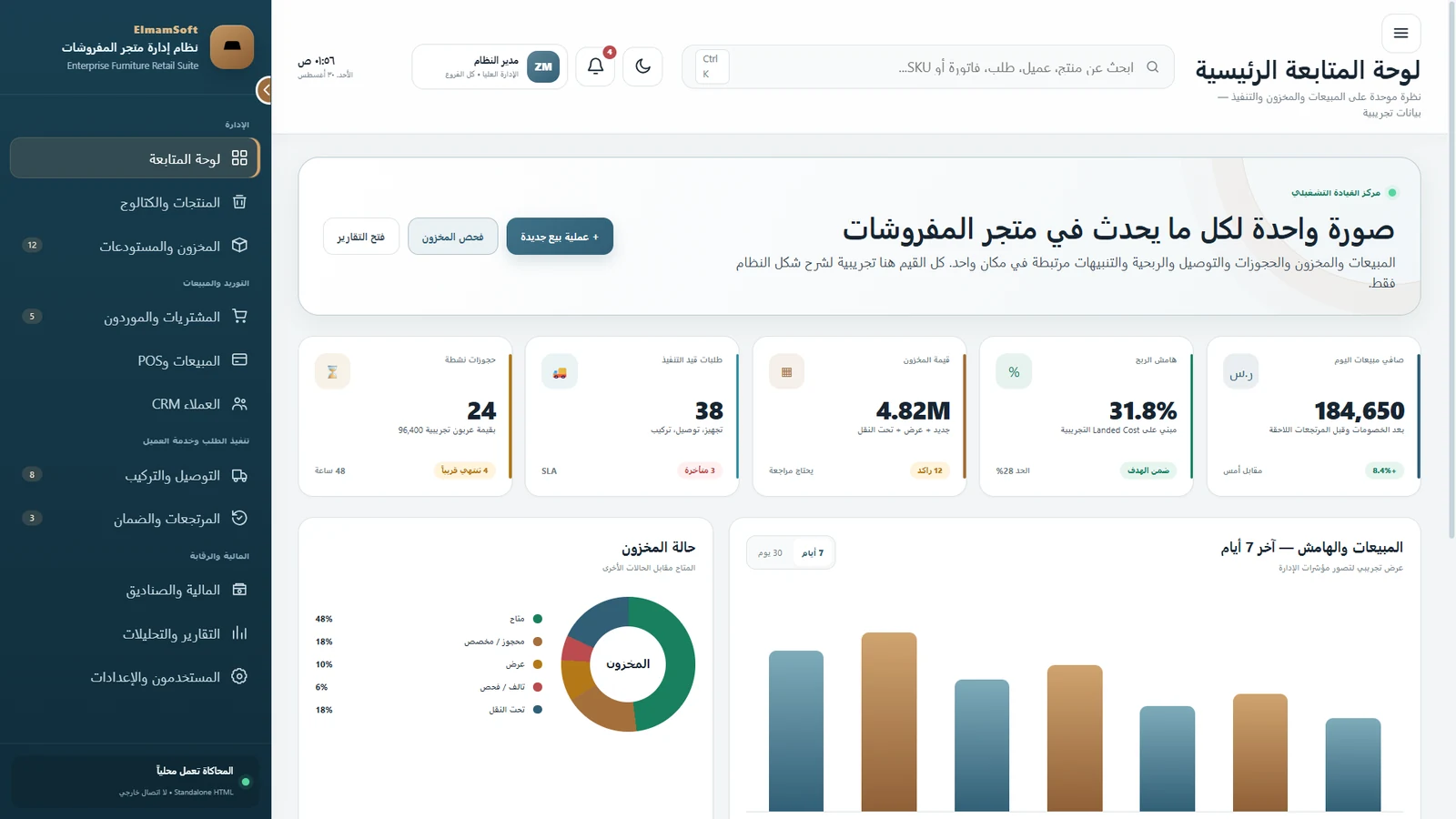
Furniture Retail Management
A connected system for product catalog, warehouses, purchasing, suppliers, POS, customers, delivery, installation, returns, warranty, finance and reporting.
Explore system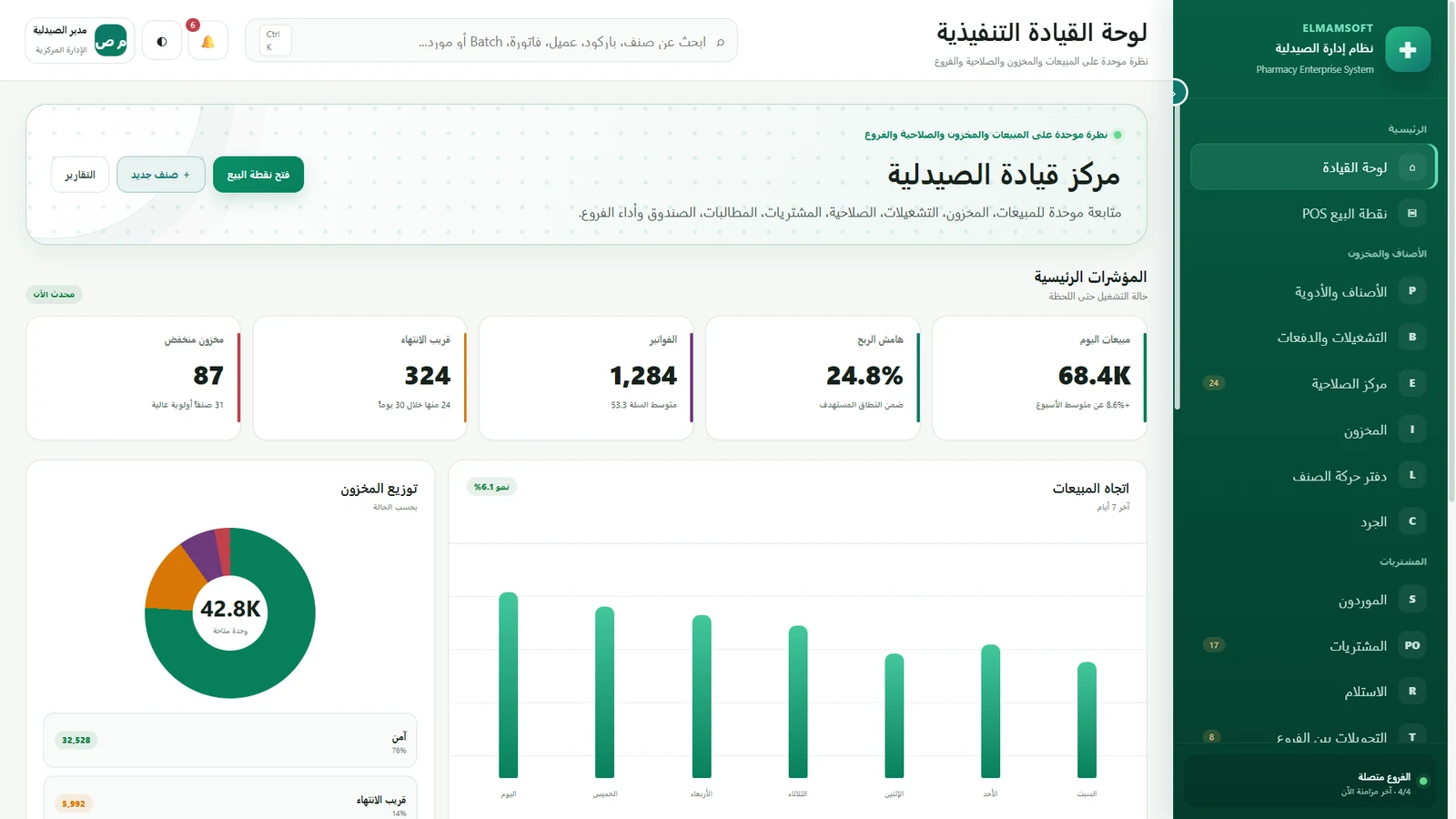
Pharmacy retail
Elmam Pharmacy
An implemented, customizable pharmacy system connecting POS, medicines, batches, expiry, inventory, stock movement, suppliers, purchasing, branch transfers, returns, customers, finance and reporting.
Explore systemStart with the workflow
Do you want to adapt this system around your operation?
Send a concise description of users, workflows and reporting needs. Discovery comes before technical or commercial commitments.