01

Organize departments, assignments, routine reports and reviews. Track operating indicators through dashboards and time-based comparisons on Android and Windows with role-based access.
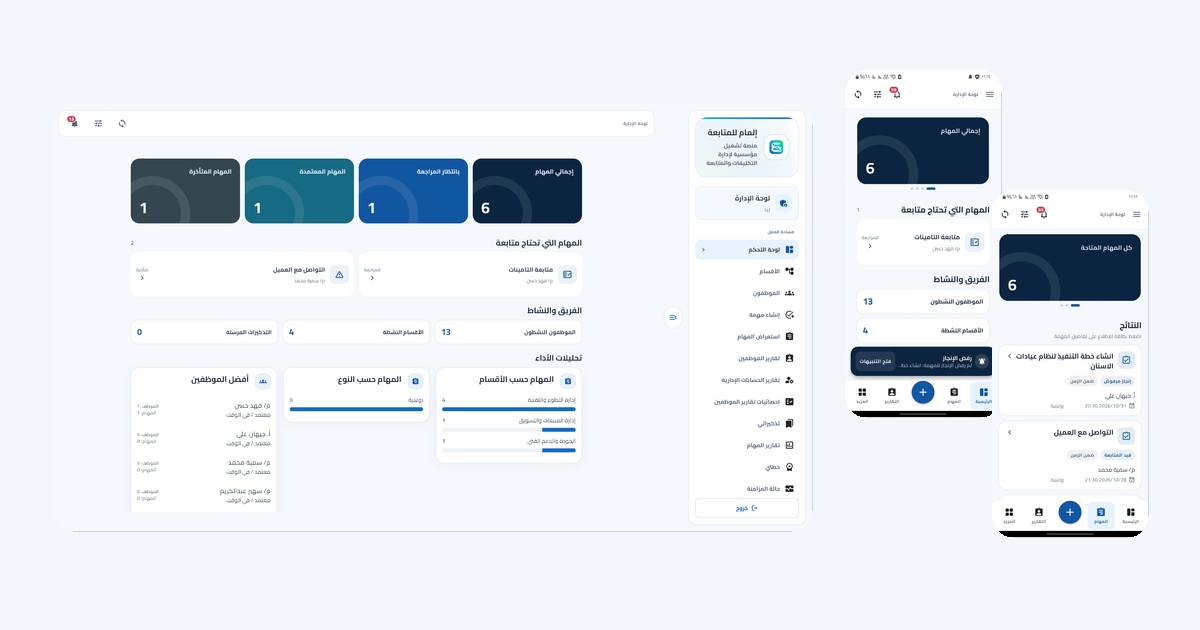
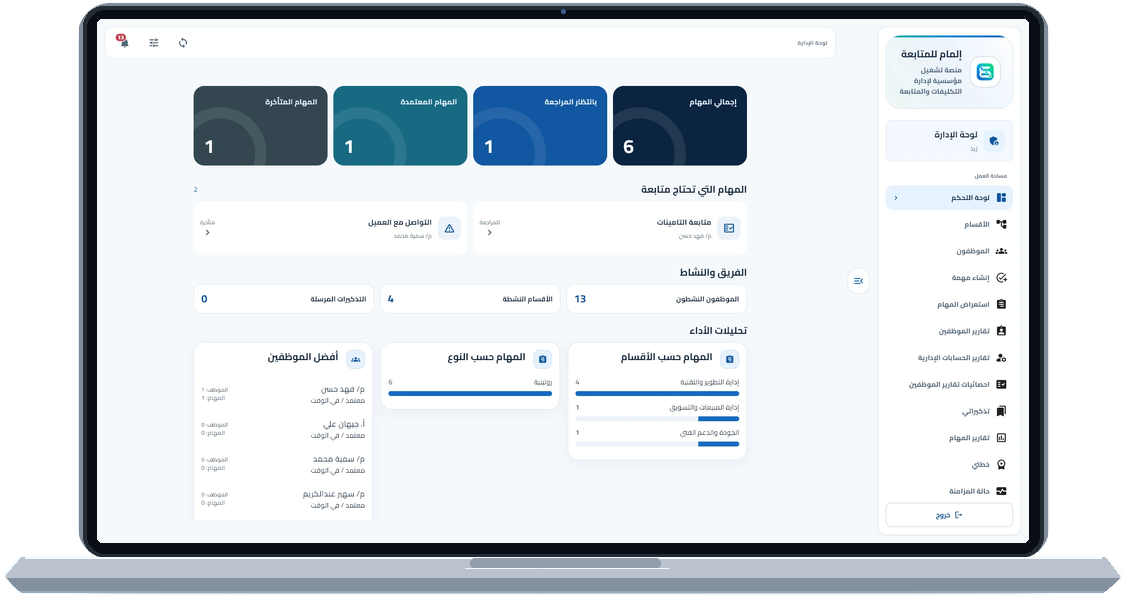
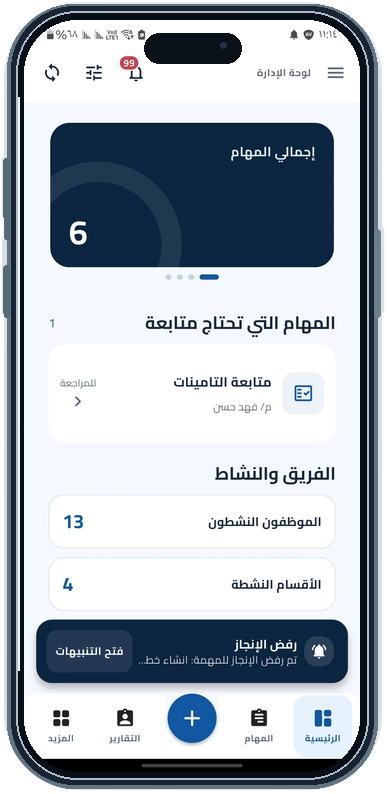
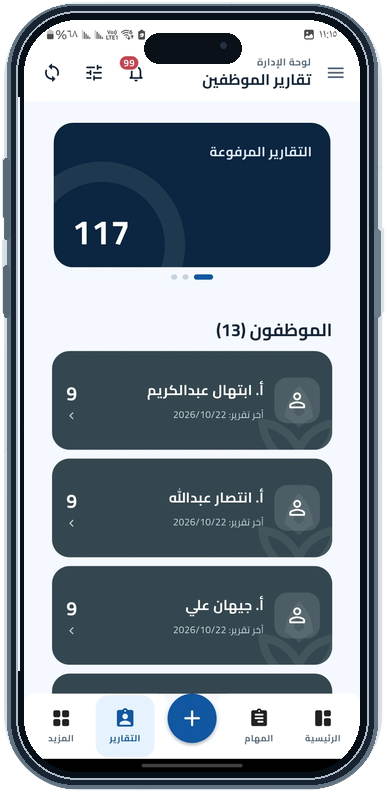
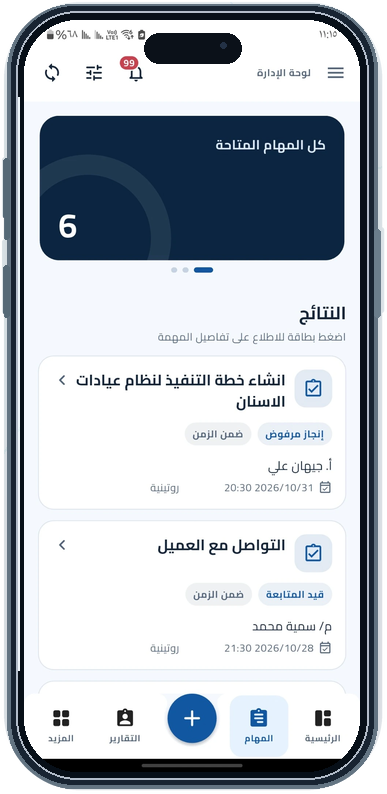
A closer look at the original Elmam Flow mobile screens.
Separate messages and spreadsheets make ownership, reporting schedules, and deadlines hard to follow.
Bring tasks, routine reports, reviews, and indicators together in role-specific workspaces.
Manage teams, departments, responsibilities, and access.
Assign work and follow priorities, due dates, and status.
Review outcomes, approve or reject, and record notes.
Structured reports and fields by employee and period.
Notifications to help follow commitments and due dates.
Explore monthly and annual staff and department indicators.
Device connectivity and continuity for configured environments.
Workspaces and access levels appropriate to each role.
Reporting outputs for documentation and review.
Connect a staff account to its department and role.
Set the owner, priority, and deadline.
Track task status and relevant reminders.
Record work in structured, periodic reports.
Approve results or return them with notes.
Compare reporting periods and selected measures.
Select any image for a larger preview.
Connectivity, local work, and synchronization are configured around the organization. Continuity and security claims apply only to what is actually configured and tested.
Share your current workflow and core problem so we can structure the information needed for the right technical path. Annual plans can be sized by departments and staff accounts. Eligible organizations can also request ownership and customization options; commercial terms are quoted to fit the scope.